Make your customers come back every week
The stamp card that lives in their phone's Wallet. No paper, no apps, and free messages on their lock screen.
- Free to start
- Ready in 5 minutes
- No credit card
Paper cards get lost. The Wallet doesn't.
Paper cards end up in a drawer and customers forget to come back. With Stampvia, your card sits right next to their bank card.
- Gets lost or left at home
- You don't know who your customers are
- You can't tell them anything
- Fake stamps with a rubber stamp
- Printing cards every month
- Always on their phone, in Apple or Google Wallet
- Name, phone and visits for every customer
- Free messages on their lock screen
- Stamp with the camera or a QR that changes every 30 s
- Zero paper: change the design whenever you like
Up and running today
Your logo, your colours, how many stamps and which reward. In 2 minutes.
Print the poster or show it on a tablet. Customers scan it.
One tap and the card is on their iPhone or Android. Nothing to download.
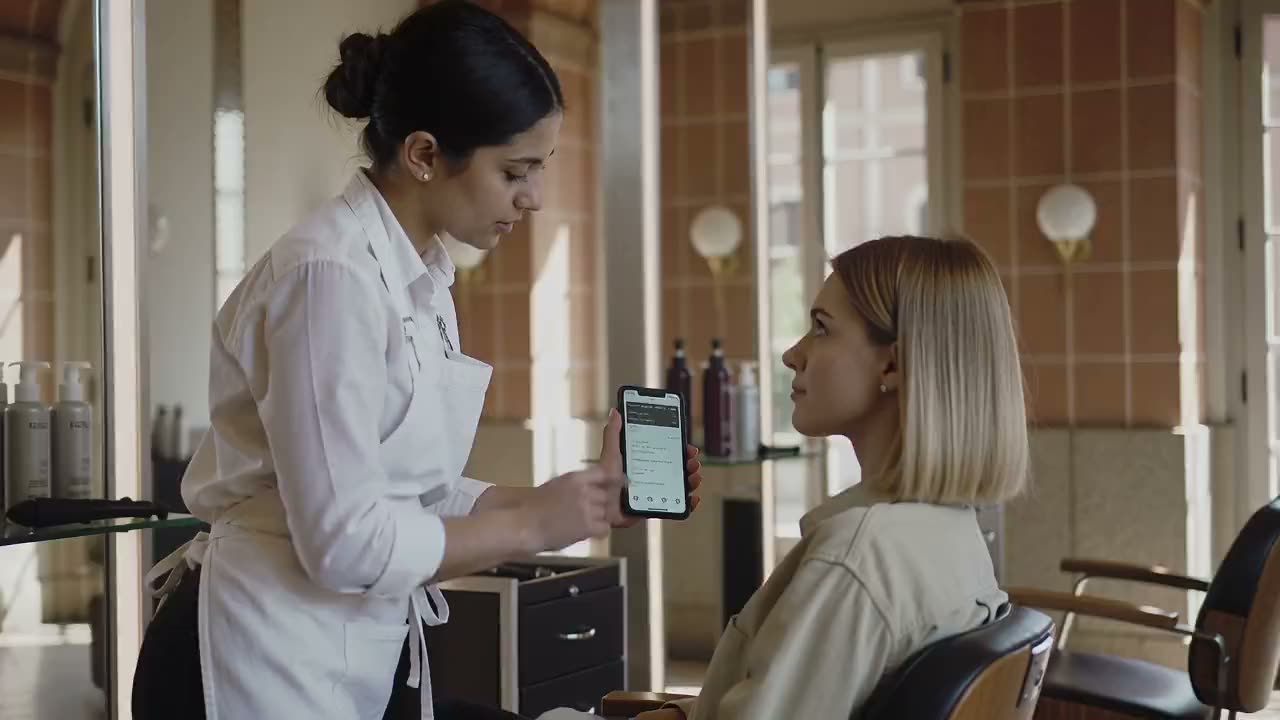
Scan their card with the app or find them by phone number. Done.
Your card, right next to their bank card
It's saved in Apple Wallet or Google Wallet like a payment card. They see their stamps at a glance and it updates itself every time you stamp it.
- Updates itself when you stamp
- Their name, stamps and reward
- With your logo and colours
- Works offline at the till
Write a message. It lands on everyone's lock screen.
No SMS, no WhatsApp, no paying per message. Write it in your dashboard and it appears on the phone of every customer who has your card.
- Today's offers
- Closures and special hours
- New items on the menu
- 1 message a day, so they don't mute you
When they walk past your door, your card pops up
Save your shop's location and the card shows on customers' lock screen when they're nearby. A reminder at just the right moment.
Their phone shows it within about 150 m.
More visits, without doing anything else

The reward in sight and a nudge when they're close. They come back sooner and more often.
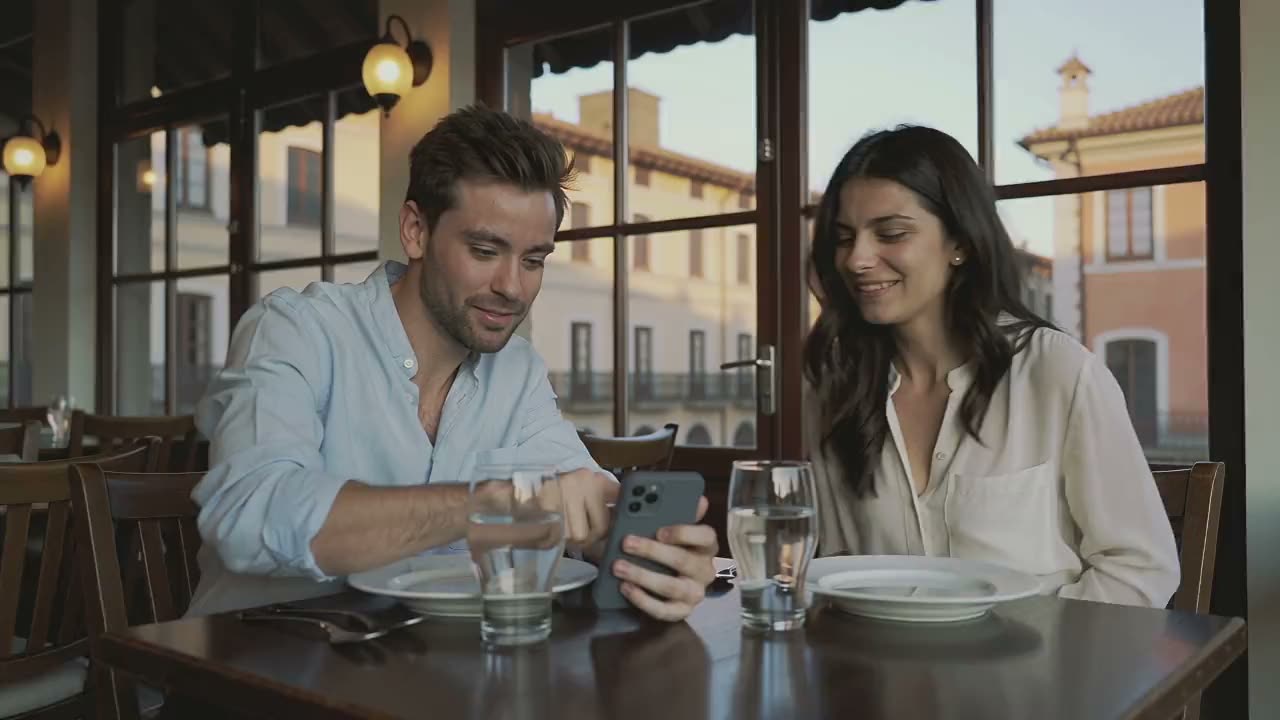
Every customer has an invite link. For every 2 friends who come, they earn a stamp.
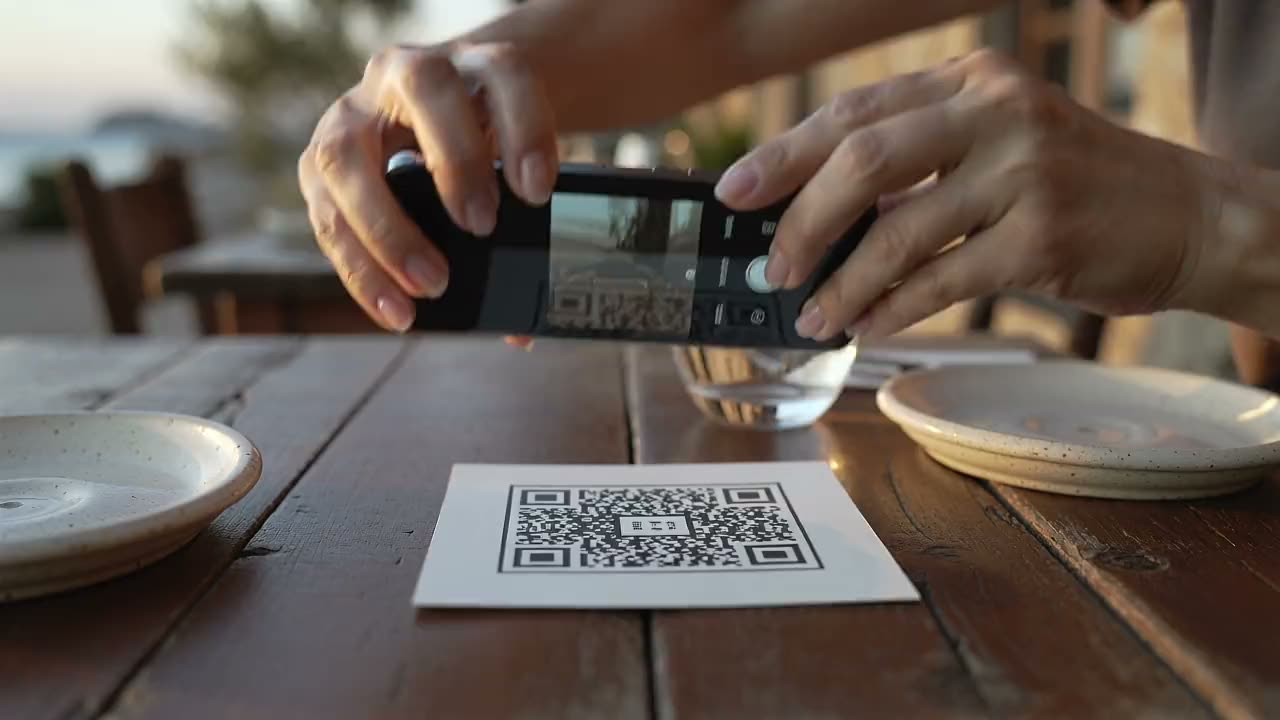
They scan the QR, enter their name and phone, and the card is theirs. No queue at the till.
You set the rules
Fill the quiet days: Tuesdays count double.
Free stamps on their birthday, automatically.
Customers stamp themselves with a QR that changes every 30 s. A photo won't work.
Name, phone, visits and rewards for each customer.
Make stamps expire and set a daily maximum.
Left their phone at home? Find them by their number.
Your logo, your colours and your stamp icon.
English, Spanish, Portuguese, French, Italian and German.
Frequently asked questions
Do my customers need to download an app?
No. They scan a QR, sign up in seconds and save the card to Apple Wallet or Google Wallet, which is already on their phone.
How do I stamp the card?
With the Stampvia app you scan their card's code with the camera, or find them by phone number. You can also let them stamp themselves with the counter QR.
Do messages cost money?
No. Messages arrive through the Wallet, with no SMS or WhatsApp. You can send one a day to all your customers.
Does it work on iPhone and Android?
Yes. On iPhone it's saved in Apple Wallet and on Android in Google Wallet. Anyone without a Wallet can open their card from a link.
Can I change the design later?
Any time. Cards your customers have already saved update themselves.
What about my customers' data?
It's yours. We store it encrypted and you can delete your account and all its data from Settings.

Your first card, ready today
Download the app, design your card and print the QR. Your customers start collecting stamps this afternoon.